




How a sensor reads your finger
A fingerprint sensor captures the pattern of skin ridges and valleys and compares it with the stored one. Three designs are common (Mohamed Abdul Cader et al. 2023):
- Optical: The sensor lights up your fingertip and takes an image. Where a ridge rests on the surface, the light comes back differently than above a valley. Optical sensors under the display struggle with dry fingers that do not make even contact with the cover layer (Yu et al. 2023).
- Capacitive: Many tiny capacitor plates register where skin rests on the surface and where a valley leaves a gap. Many of these sensors react sensitively to wet and to dry fingers.
- Ultrasonic: The sensor sends sound pulses and evaluates the echo from ridges and valleys. Ultrasound penetrates the skin and is considered less susceptible to moisture and dirt.
For all sensors that you place your finger on, the following applies: dirt, dryness and moisture on the fingertip clearly impair the capture (Mohamed Abdul Cader et al. 2023).
What studies on skin moisture show
The three studies below come from stand-alone readers of the kind used by public authorities, not from phones. They point in the same direction.
- Dry and wet both matter: In a trial with 33 people and five optical sensors, skin moisture was changed with cream, alcohol and water and measured before every capture. Dry and wet fingers affected recognition performance. Sensors designed for very moist fingers did worse with dry ones than the other sensors (Olsen et al. 2015).
- Moist was better than dry: In a preliminary study with 20 people on an optical reader, moistened fingertips gave better images than fingertips dried with an alcohol swab and air. The authors themselves point out the small group (Shin et al. 2025).
- Image quality drops with age: The European Commission's Joint Research Centre analysed more than 400,000 prints taken by public authorities. Between the ages of 65 and 90, image quality declined steadily; by the authors' estimate, the decline starts at around 40 to 45. As the reason they name drier, less elastic skin. Supplying the fingertips with moisture before capture can, they say, contribute to better images (Galbally et al. 2019).
Help pages from device makers fit this picture. One advises a little hand cream for very dry fingers. Another names moisture, lotions, sweat, oil and dry skin as sources of interference. So too dry gets in the way, and so does a film on the fingertip.
Condition of your fingertip: what the sensor gets
The table draws on the studies named above and on experience; it has not been measured for individual devices.
| Condition of the fingertip | What the sensor gets | What helps |
|---|---|---|
| Dry and rough, for example in winter | The ridges rest on the surface only in places; the image is pale and patchy | Breathe on your fingertip; care for it in the evening |
| Worn down by climbing, strings, building work or a lot of paper | The ridges are flatter; the difference between ridge and valley becomes small | Enrol a finger that gets less wear |
| Wet, sweaty or swollen after a shower | Water can fill the valleys and the skin is deformed; the image smears | Wipe finger and sensor dry, wait a few minutes |
| Freshly creamed | A greasy film sits between skin and sensor and stays behind there | Blot your fingertip, wipe the sensor; in future apply cream more thinly and earlier |
| Cold | Cold skin is often drier and stiffer | Warm your hands, then breathe on your fingertip |
What helps right away
- Breathing on it: Two or three breaths on your fingertip bring a little moisture into the top layer of the skin.
- Wiping: Wipe the sensor and your finger with a clean, dry cloth. Skin oil, cream and dust collect on the sensor.
- Placing it flat: Place your whole fingertip on the sensor with a little more pressure until the device responds.
- Enrolling it in its winter state: Many devices store several prints. Enrol the same finger a second time when your skin happens to be dry.
- Checking other causes: Thick screen protectors and a dirty sensor interfere regardless of your skin.
In the long run: caring for fingertips without smearing the sensor
Here, care helps through the condition of the skin, not through the film. A film of wax and oil reduces the evaporation of water from the outer layer of the skin; your fingertips dry out less and stay more supple. We cannot promise that your device will recognise your finger more reliably afterwards; we have not measured it.
- Richer in the evening: Before bed, put a slightly thicker layer on your fingertips and around your nails and massage it in. With cotton gloves it stays in place: Overnight hand mask: what it does and how to do it.
- Thin and early during the day: Use so little that nothing shines, and wait a few minutes before you touch the device. Oils sink in within minutes, wax stays on top for longer: How long does a care film stay on the skin?.
- After washing your hands: Dry your fingertips well and apply a thin layer of cream. The technique is described in Hand care at the office without a greasy keyboard.
- Water-based care in between: A water-based product such as an aloe vera serum brings water onto the skin and leaves no greasy film. The water evaporates again if nothing is layered over it.
When the touchscreen does not respond
A touchscreen does not read skin ridges. It registers that a conductive finger changes the electric field at the glass surface. With very dry or heavily callused fingertips, the screen sometimes misses touches. The obvious explanation: a thick, dry outer skin layer conducts poorly. We have not found a study that measures this; it is a technical assessment. In practice it helps to breathe on your fingertip, to tap with the flat pad of your finger or to use a stylus.
When to seek medical advice?
Skin diseases on the hands can change the skin ridges. In one study, 27 per cent of patients with hand eczema on the tip of the thumb failed fingerprint verification, compared with 2 per cent in the control group (Lee et al. 2013). Have your skin looked at by a doctor if the ridges are visibly missing, if your fingertips peel, redden, form small blisters or crack over a period of weeks, or if fingers are numb. Cosmetics do not belong on open areas.
Frequently asked questions
Does hand cream help when my fingerprint is not recognised?
With very dry fingertips it can help once it has sunk in; one device maker advises it. Right after applying cream, the film tends to get in the way. Apply a richer layer in the evening and a thin one during the day. This is not a promise for your device.
Why does my phone recognise my finger less well in winter?
Cold air outside and heated air indoors draw moisture from the skin. Dry, rough fingertips rest on the sensor only patchily. More on this in Cracked fingertips in winter: causes and care.
Do fingerprints become harder to read with age?
On average, yes. In a large analysis of prints taken by public authorities, image quality declined steadily between the ages of 65 and 90. More on this in Why do hands get drier with age?.
Do worn-down skin ridges come back?
The pattern is laid down in deeper layers of the skin, and the outer layer renews itself continuously. After a break it usually becomes readable again. On care: Caring for fingertip calluses when climbing and Guitar: should you moisturise fingertip calluses?.
Does this also apply to fingerprint readers on doors, for time recording or at the border?
Yes, the studies named here come from readers of that kind. Breathe on your fingertip and follow the instructions on the device or from the staff.
At forpeople
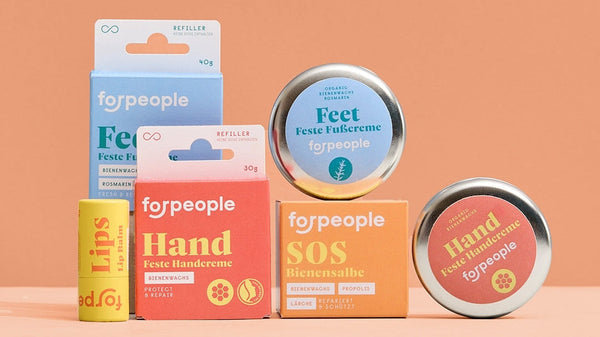
Our products are skincare and not technical aids: we have not measured whether a sensor recognises your finger better afterwards. According to the product information, they are not to be used on injured or irritated skin.
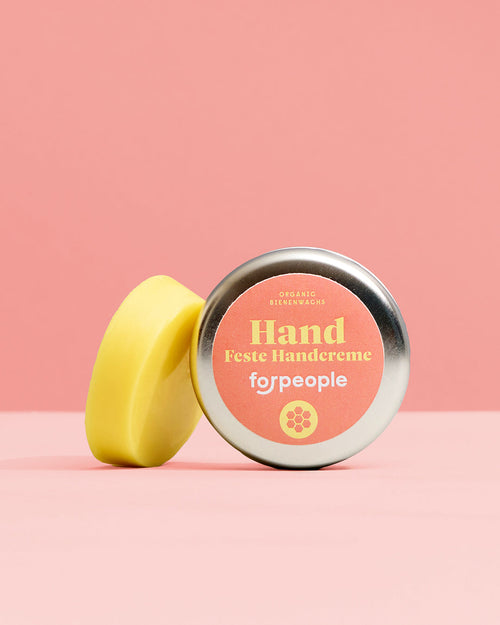
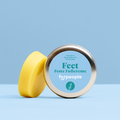
- Solid Hand Cream - Beeswax, 30 g, €9.90: according to the ingredient list, beeswax, olive and sunflower oil, St. John's wort and aloe extract. Without water and without added scent.
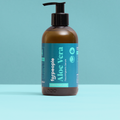
- Aloe Vera Serum 99.6%, 50 ml, €9.90: liquid, water-based and preserved. According to the ingredient list, it contains neither oil nor wax.
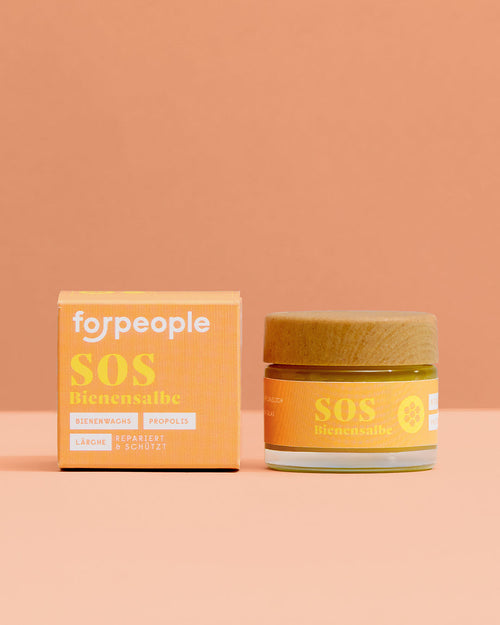
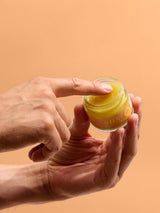
- Beeswax Salve Larch & Mandarin in a Glass Jar, 50 g, €12.90: a soft salve for the evening. It is scented and contains larch resin, propolis and essential oils; see Allergic to tree resin, colophony or propolis?.
If you notice a skin reaction, stop using the product. More on this: Dry fingers: why pages and bags slip out of your grip · Greasy or well cared for? Why creams feel greasy
From the blog: Hands and feet through winter: a routine for morning and evening
Sources
- Mohamed Abdul Cader AJ, Banks J, Chandran V (2023): Fingerprint Systems: Sensors, Image Acquisition, Interoperability and Challenges. Sensors 23(14): 6591. https://doi.org/10.3390/s23146591
- Yu Y, Niu Q, Li X, Xue J, Liu W, Lin D (2023): A Review of Fingerprint Sensors: Mechanism, Characteristics, and Applications. Micromachines 14(6): 1253. https://doi.org/10.3390/mi14061253
- Olsen MA, Dusio M, Busch C (2015): Fingerprint skin moisture impact on biometric performance. 3rd International Workshop on Biometrics and Forensics (IWBF 2015), Gjøvik: 1–6. https://doi.org/10.1109/IWBF.2015.7110223
- Shin M, Lee S, Baek S, Lee S, Kim S (2025): A Quantitative Analysis Study on the Effects of Moisture and Light Source on FTIR Fingerprint Image Quality. Sensors 25(4): 1276. https://doi.org/10.3390/s25041276
- Galbally J, Haraksim R, Beslay L (2019): A Study of Age and Ageing in Fingerprint Biometrics. IEEE Transactions on Information Forensics and Security 14(5): 1351–1365. https://doi.org/10.1109/TIFS.2018.2878160
- Lee CK, Chang CC, Johar A, Puwira O, Roshidah B (2013): Fingerprint changes and verification failure among patients with hand dermatitis. JAMA Dermatology 149(3): 294–299. https://doi.org/10.1001/jamadermatol.2013.1425